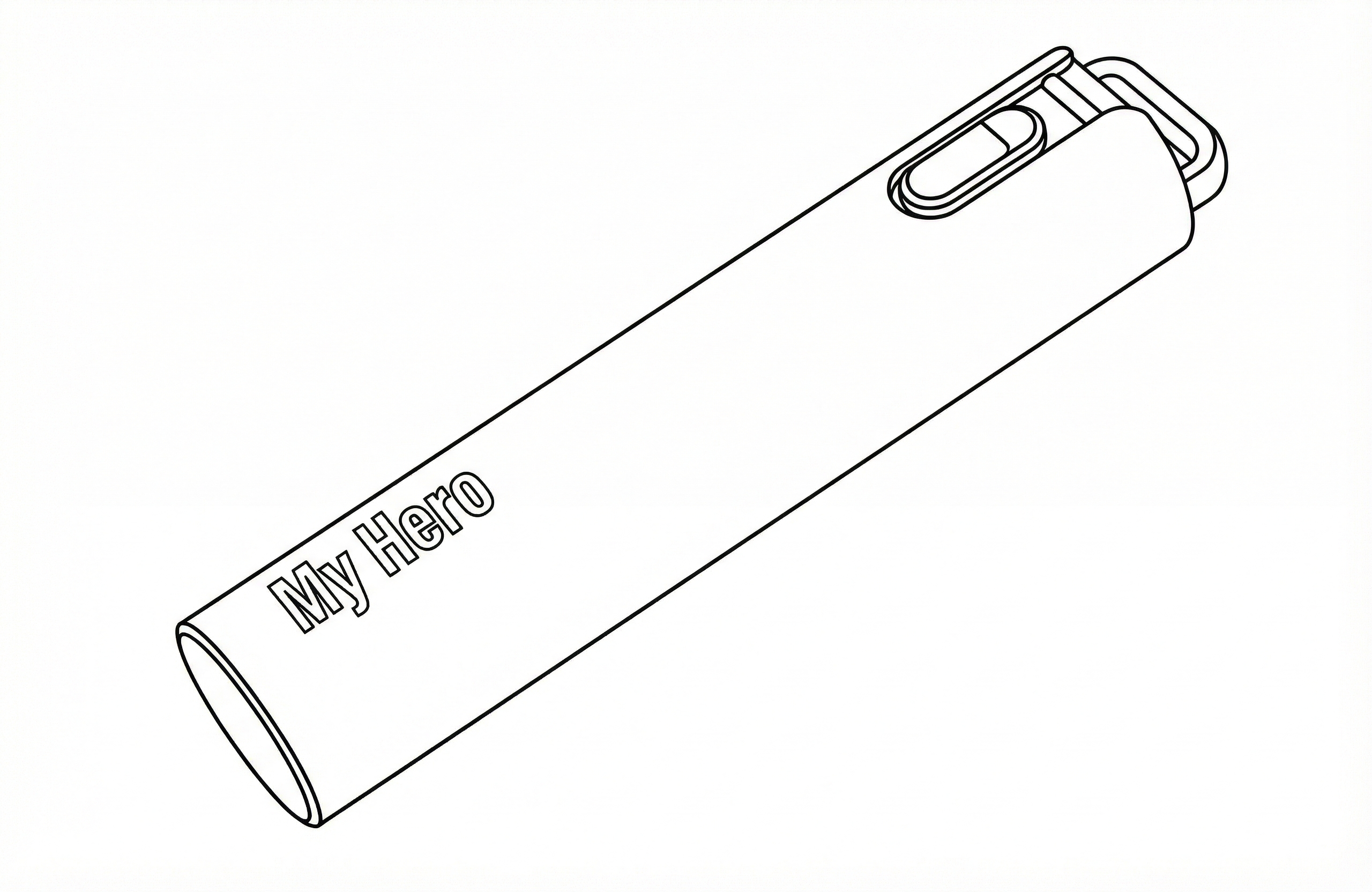
Product Features
-
1. Siren Alarm
In emergency situations, pulling out the body case of My Hero will trigger a 90dB siren from the device. -
2. Emergency Message to Contacts
When you set contacts as recipients in the keepit App, an emergency message will be automatically sent to them when the device cover is separated. -
3. Location Sharing to Contacts
When location tracking is enabled in the keepit App, your phone number and location information will be automatically sent to registered contacts when the device cover is separated. -
4. Automatic Recording (Video/Audio)
When the device cover is separated, the recording function is automatically activated for 3 minutes, and the recorded files can be checked in the keepit App. -
5. Tracking Function
You can set up My Hero loss prevention features in the keepit App. -
6. Power Off Function
You can turn off the device by pressing and holding My Hero's button for more than 5 seconds.
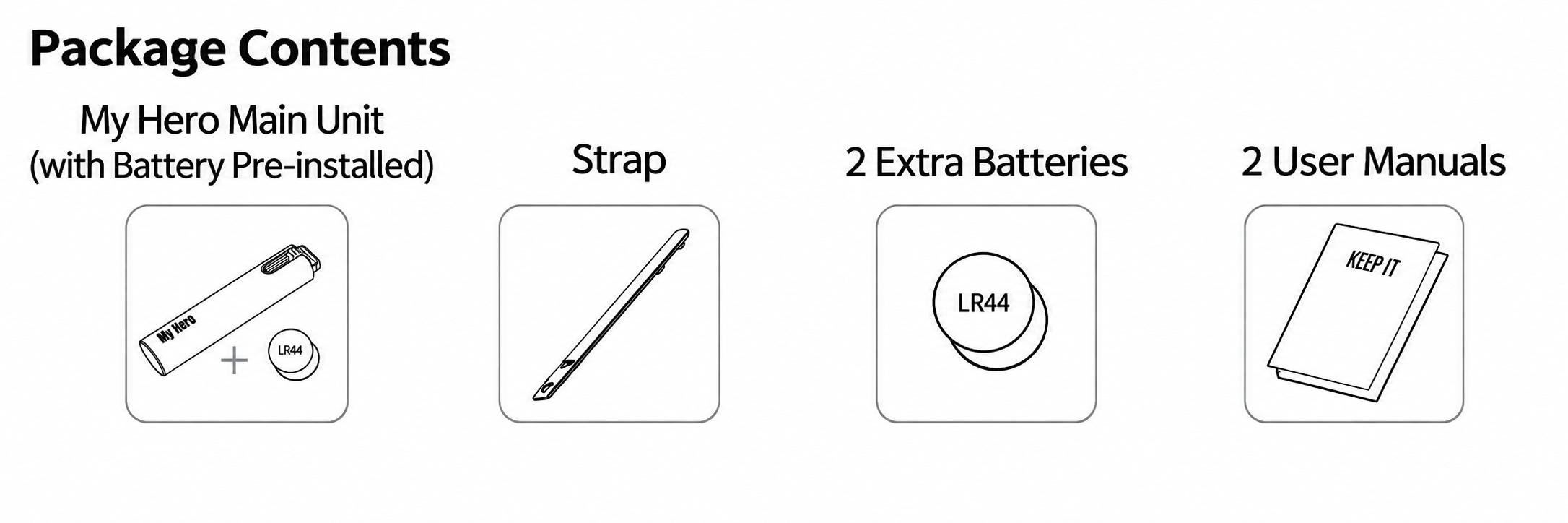
Package Contents
My Hero main unit (built-in battery), strap, 2 additional batteries, 2 user manuals
Product Components
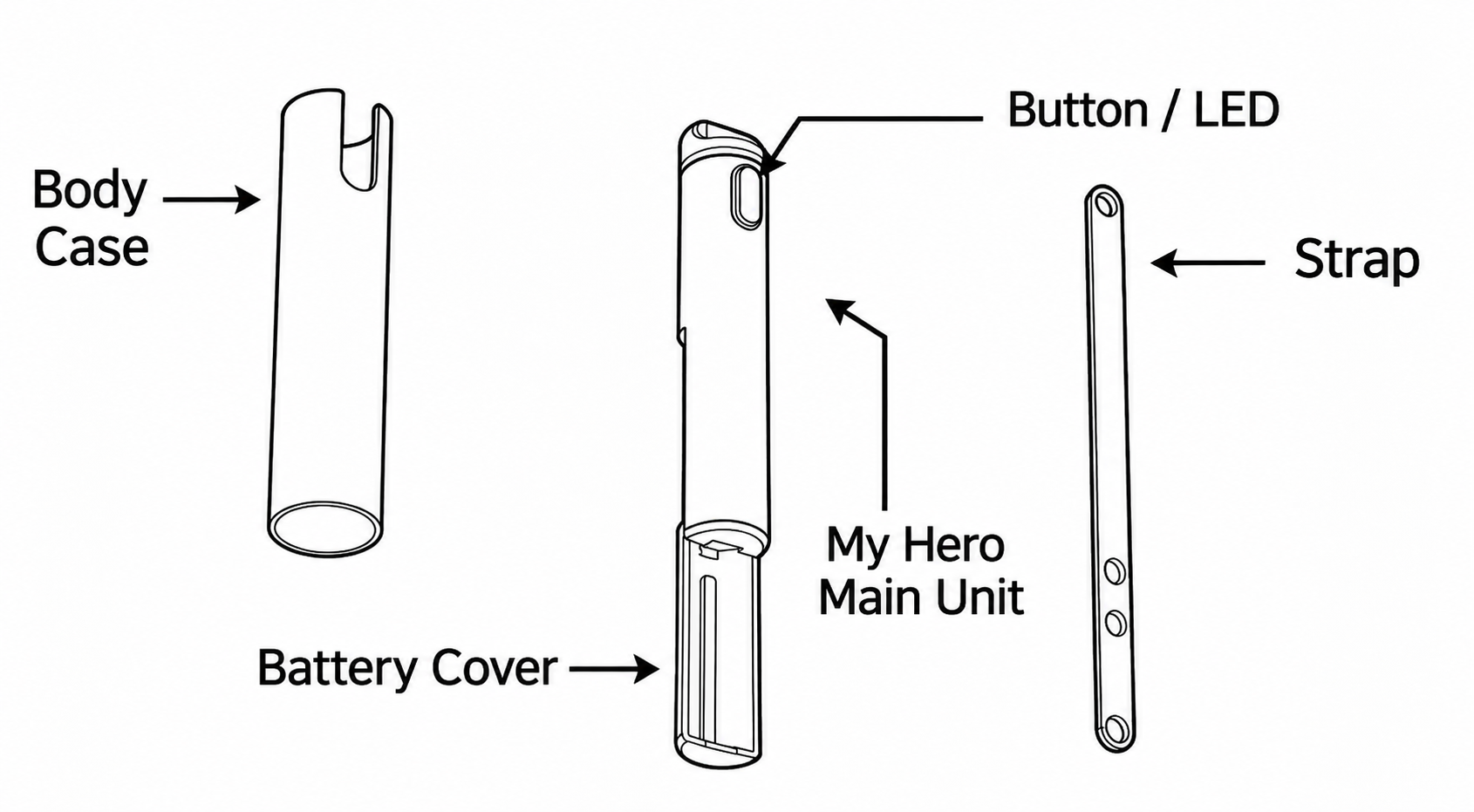
Body case, button/LED, battery cover, My Hero main unit, strap
Product Specifications
| Item | Specification |
|---|---|
| Rated Voltage | DC3V |
| Battery | LR44 |
| Communication Method | Bluetooth 4.1 |
| Size | 16.8×16.8×82.5(mm) |
| Certifications | KC/FCC/IC/CE/JMIC/SIG certification |
SOS Function
- My Hero and your mobile phone communicate via Bluetooth (20~30m range).
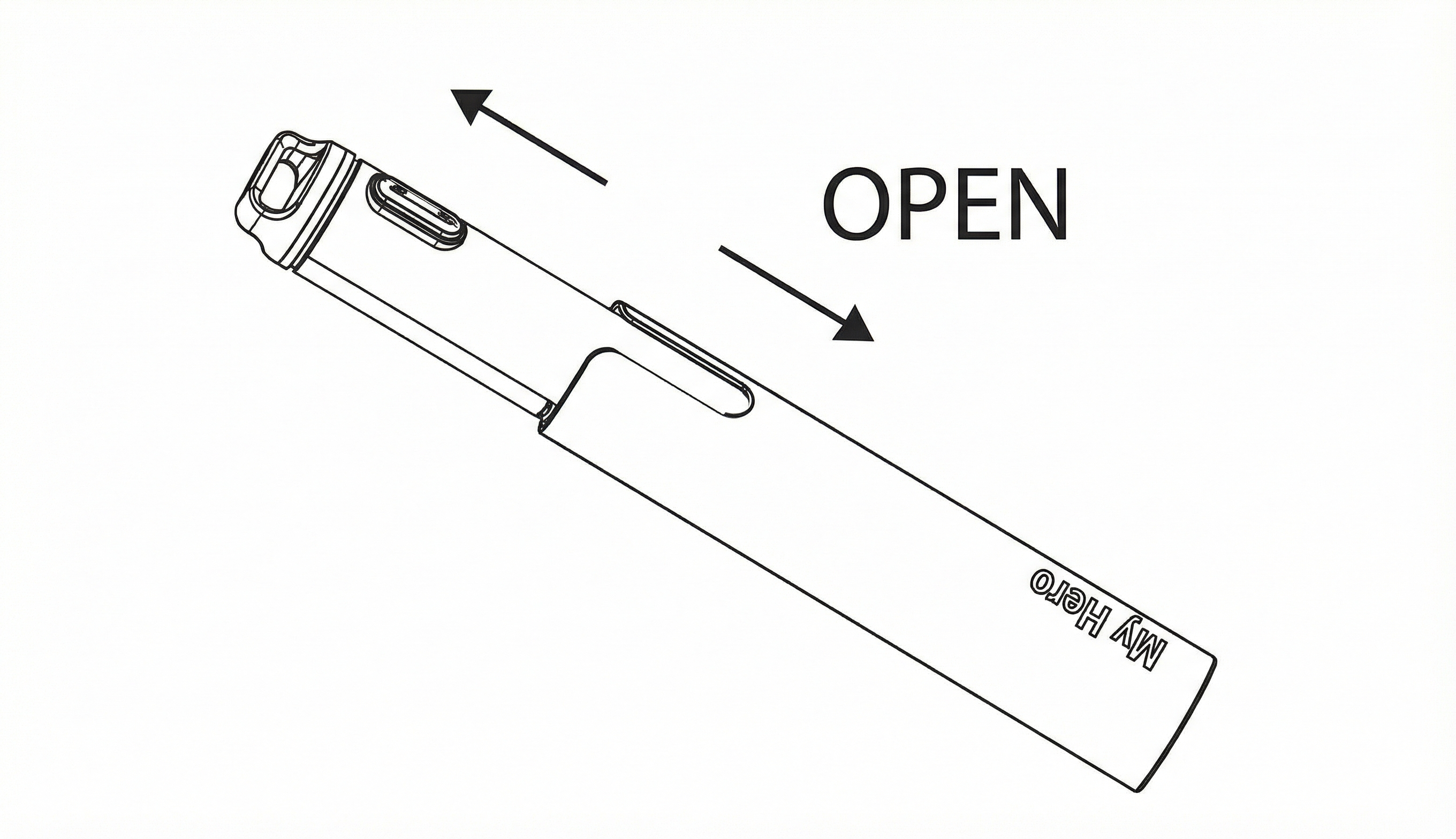
- When you pull and separate the device body case, a siren will sound and an SOS message will be sent to registered contacts.
- The SOS message content can be modified in the app.
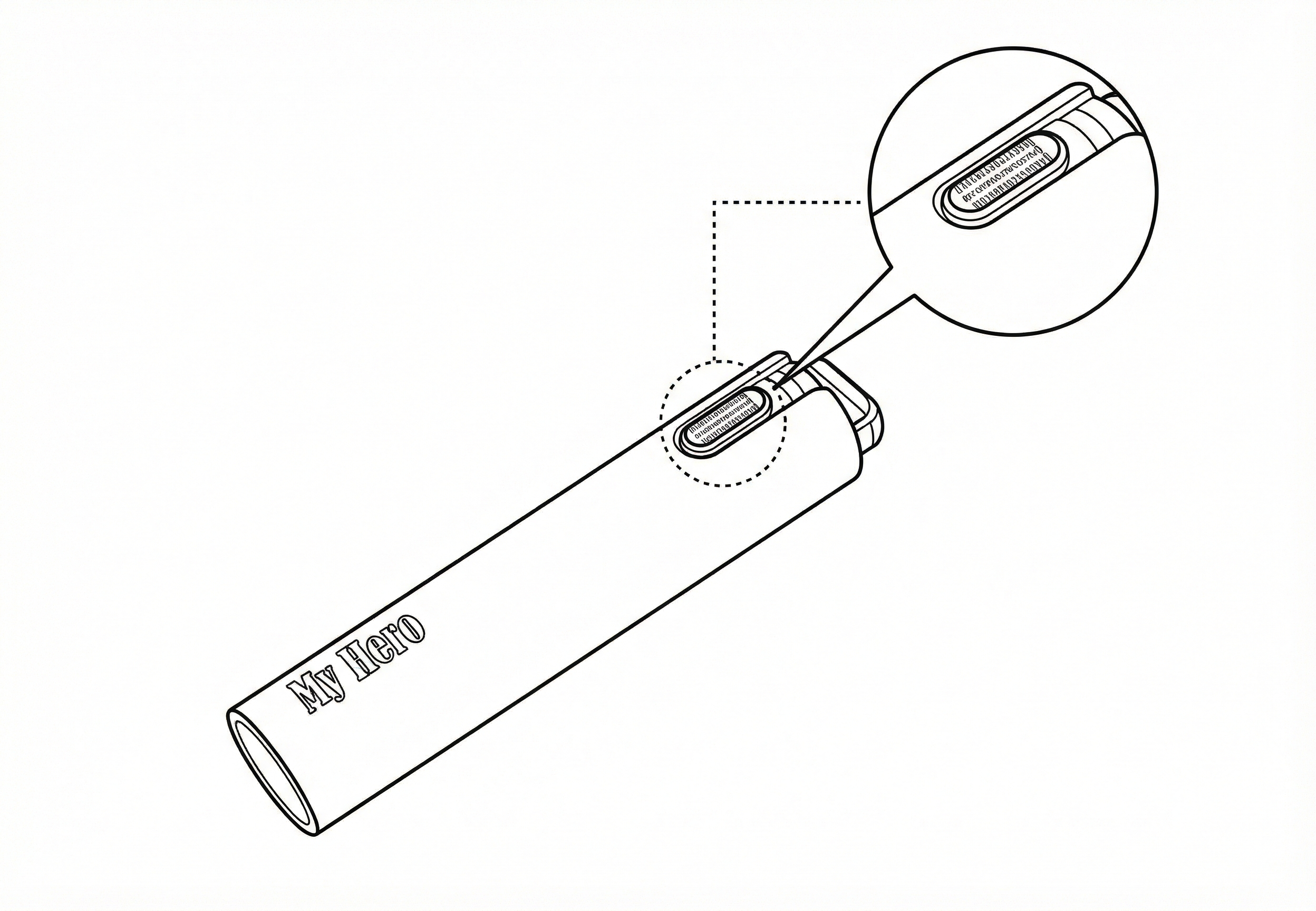
Tracker Function
- When My Hero and your mobile phone are connected, you can locate each other.
- Quickly pressing the back button of My Hero will trigger an alert on your mobile phone.
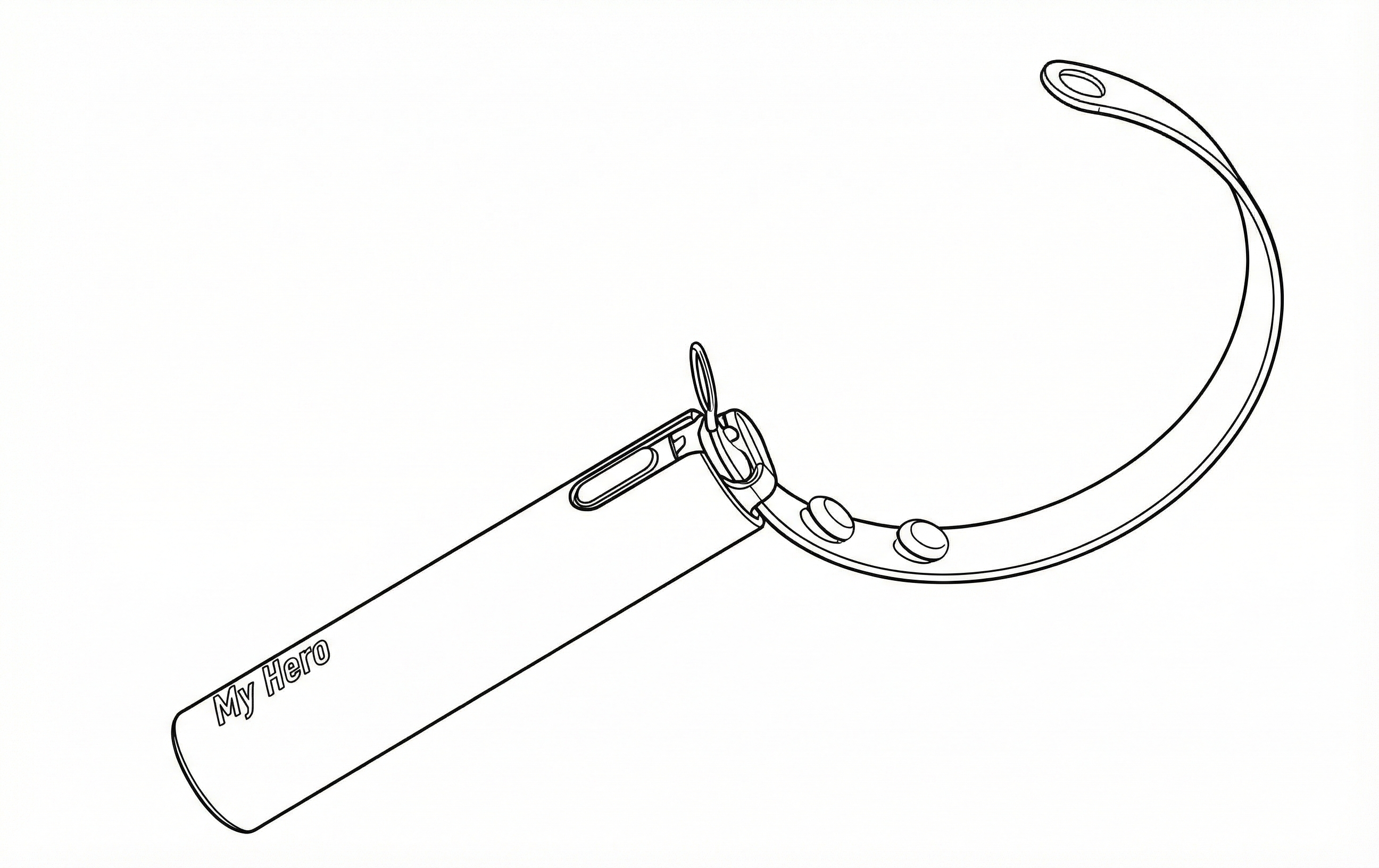
Strap Attachment Method
- Insert the short end of the strap into the main cap at the top of the unit.
- Align the strap holes with the openings and connect both sides.
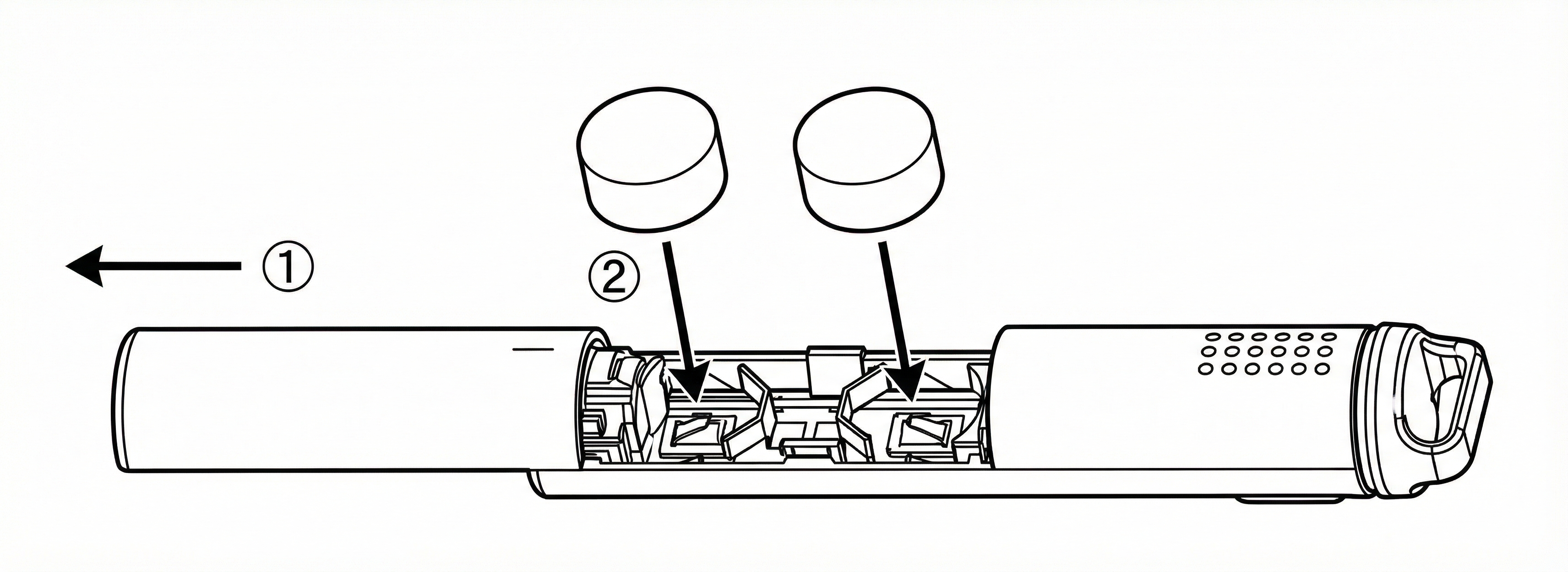
Battery Replacement Method
- After separating the inner case, slide and remove the battery cover.
- Insert new batteries in the direction shown in the diagram, then reassemble the product.
⚠️ Warning
Keep batteries out of reach of children. Seek immediate medical attention if swallowed.
Precautions
- Bluetooth connection is required.
- Mobile phone GPS and internet connection are required.
- 100% SMS delivery cannot be guaranteed.
- Not water-resistant for daily use.
- May be limited depending on smartphone model.
- Use of fresh batteries (LR44) is recommended.
- Battery consumption varies depending on SOS usage frequency and environment.
Product Warranty
6 Months Free Service
| Model Number | EH5YT01 |
| Product Name | My Hero |
| KC Certification Number | R-CRM-EHI-SOS01 |
| Rating | 3V |
| Identification Code | R-CRM-EHI-SOS01 |
| Manufacturer | EHI Co., Ltd. |
| Country of Origin | Republic of Korea |
Service Center
Customer Service: 031-241-8588
Website: www.ehisoft.co.kr